Manual vs. automated book formatting: Which is better in 2026?
Book formatting methods: time, cost, quality compared


Words by
Rehmat Amjad
Last updated:
Two ways to format a book
You write a novel. The manuscript is polished. The cover is designed. The launch date is set. All that is left is formatting.
"How hard can it be?"
A week later, you are still adjusting margins, fixing page breaks, rebuilding table of contents, and watching YouTube tutorials about EPUB files.
Every fix seems to create another problem. By the time the book is finally ready, you'd spent more time formatting than writing the final three chapters.
The irony? None of that work makes the story line better.
If this sounds familiar, you're not alone. As self-publishing continues to grow, authors are discovering that writing the book is only half the journey. Preparing it for readers is a challenge of its own.
Fortunately, authors today have a choice they didn't have a few years ago.
In 2026, automated platforms have closed that gap, and most self-publishers no longer need to do it by hand.
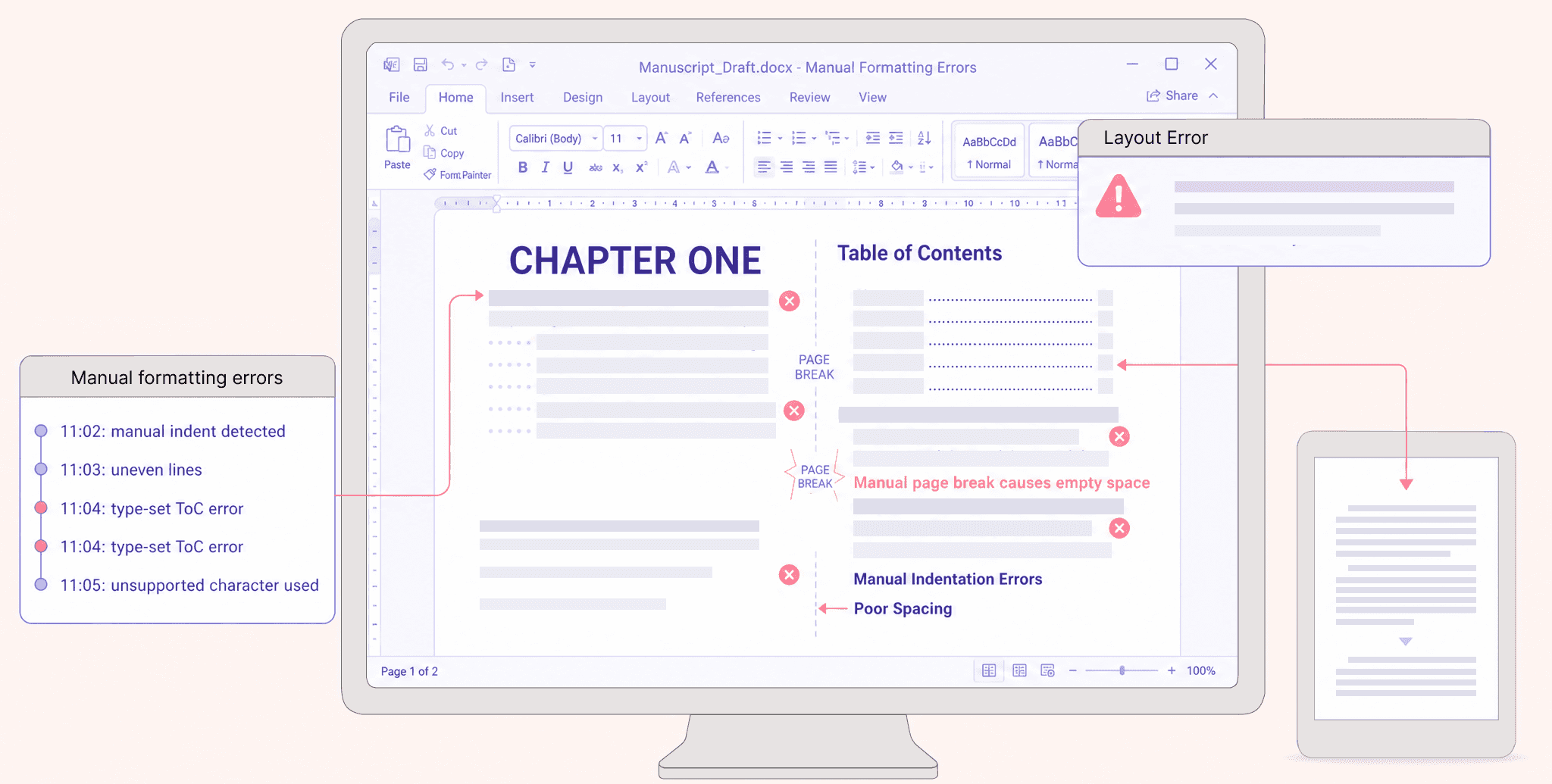
Manual formatting
In manual formatting you format everything yourself.
Margins. Fonts. Chapter headings. Page breaks. Images. Table of contents. File exports. Device testing. Every detail is your responsibility.
Automated formatting
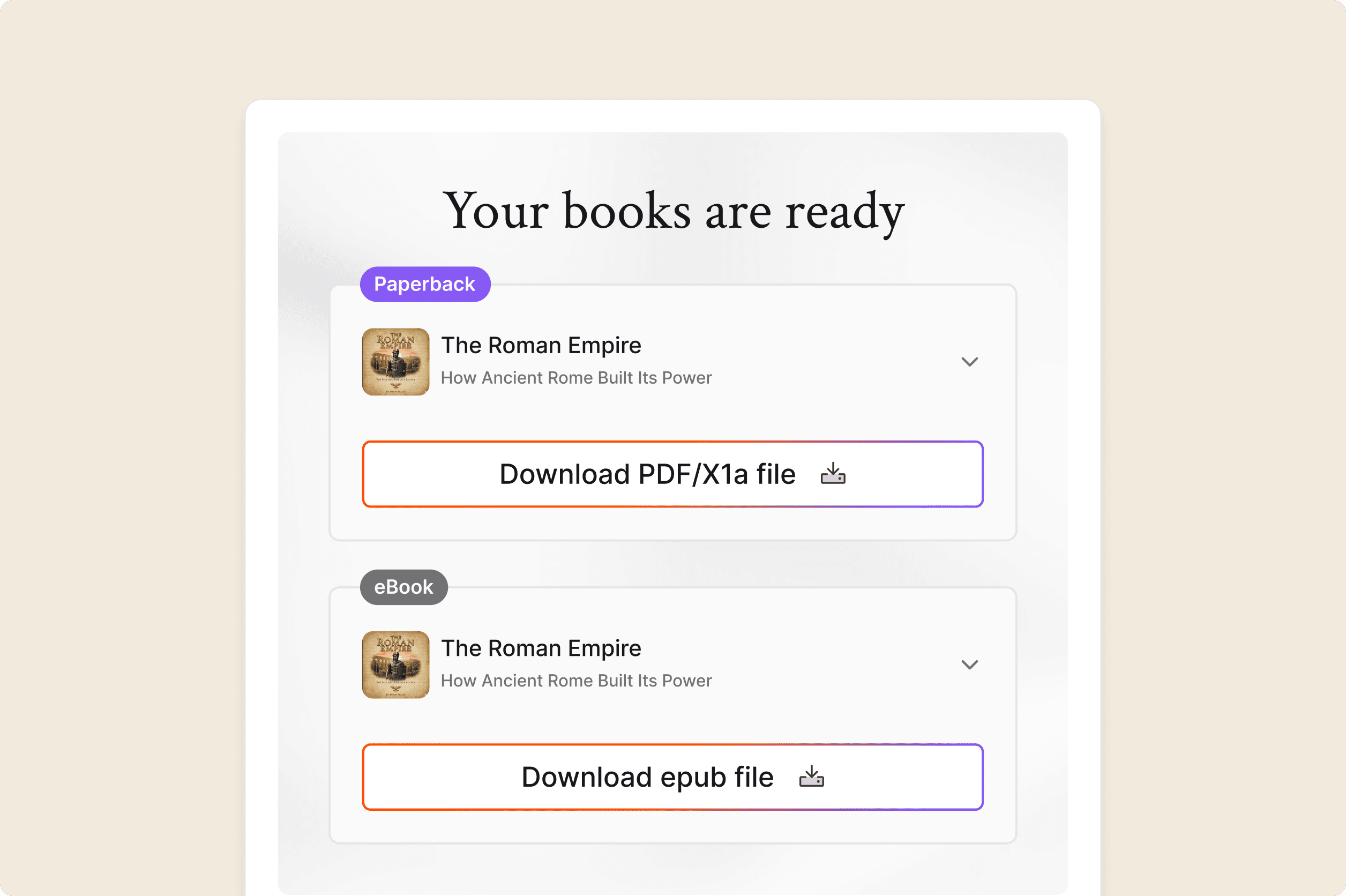
You upload your manuscript to a publish ready formatting platform like PublishPro, choose your book settings, and let the platform handle the technical work for you.
The goal is the same: A professional book. The journey however, is very different.
The difference isn't just time
At first glance, manual formatting feels like the cheaper option. After all, if you already have Microsoft Word, why pay for another tool? But formatting isn't just about software. It's about the hours you invest learning skills that have nothing to do with writing.
Think about everything manual formatting asks you to understand:
Trim sizes
Margins and gutters
Heading styles
Embedded fonts
EPUB conversion
Image optimisation
Kindle compatibility
Retailer requirements
That's a lot to learn just to publish a book. PublishPro removes that learning curve completely. You simply upload your manuscript and let the platform prepare KDP ready files automatically.
Manual vs. PublishPro
Here's what the two approaches look like side by side.
Factor | Manual Formatting | PublishPro |
|---|---|---|
Time | 8–15 hours | Under 1 hour |
Learning Curve | Steep | Minimal |
Technical Knowledge | Required | Not required |
Risk of Errors | High | Very Low |
Device Testing | Manual | Built-in |
File Validation | Manual | Automatic |
Exports | One at a time | Multiple formats at once |
One approach asks you to master publishing software.
The other lets you stay focused on being an author.
The hidden cost of doing it yourself
Most authors measure formatting in hours.The real cost is much bigger.
Every hour spent fixing layouts is an hour you could have spent:
Writing your next chapter.
Planning your book launch.
Growing your audience.
Marketing your current book.
For authors publishing multiple books, those hours quickly turn into weeks.
"PublishPro doesn't just save time, It gives it back."
Four reasons authors move away from manual formatting
1. It takes longer than expected
Formatting looks simple until you're halfway through fixing chapter spacing for the third time. What starts as "just a few edits" often turns into an entire weekend.
2. Every small mistake matters
One missing page break. One unsupported font. One broken chapter link. Tiny mistakes can lead to rejected uploads or poor reader experiences.
3. Every edit creates more work
Changed one chapter? Now you need to rebuild the table of contents, export another EPUB, and test everything again.
4. Every platform has different rules
Amazon KDP, Apple Books., Kobo, Google Play Books, IngramSpark.
Each retailer has slightly different requirements, making manual publishing even more time-consuming.
That's where PublishPro changes everything
PublishPro was built for one purpose: To make professional publishing as effortless as writing the final chapter.
Instead of juggling formatting tools, validation software, and KDP guidelines, PublishPro automatically:
Structures your manuscript professionally.
Creates KDP and IngramSpark ready PDF and EPUB files.
Optimises images and typography.
Detects formatting issues before they become rejections.
Creates both eBook and paperback files from the same manuscript.
Lets you preview your book before publishing.
Instead of wondering whether your files will pass retailer checks, you already know they will.
Who benefits most from automated formatting?
The biggest myth about automated formatting is that it's only for first-time authors.
In reality, it's for anyone who values their time.
Indie/Self Publishing Authors
Publishing Teams & Agencies
Book Designers & Formatters
A week of formatting or one afternoon?
Here's a simple question:
How would you rather spend your next 10 hours? Learning page breaks, fixing EPUB errors, and testing your book on different devices? Or outlining your next chapter while your manuscript is transformed into a professionally formatted book?
That's the difference between manual formatting and PublishPro.
The bottom line
Manual formatting still has its place. If you enjoy learning publishing software and want complete control over every tiny detail, it can produce excellent results. But it is very time consuming.
PublishPro helps you by handling the technical side of publishing; from formatting and validation to retailer-ready exports, so you can stay focused on what you do best: writing.
Because your next bestseller shouldn't be delayed by page breaks, margins, or EPUB errors. It should be out in the world, finding its readers.
