How to format your book for IngramSpark (Without the rejections)
Master IngramSpark's print formatting requirements.


Words by
Arslan Younas
Last updated:
Why publishing with IngramSpark is worthwhile
Most self-published authors celebrate the day their book goes live on Amazon. Then someone asks,
"Is it available in bookstores?" That's usually when they discover IngramSpark.
Unlike Amazon KDP, which focuses on Amazon's marketplace, IngramSpark opens the door to a much bigger world. Through its global distribution network, your book can reach independent bookstores, libraries, schools, wholesalers, and online publishing platforms across the globe.
It's the difference between putting your book on one shelf and placing it in a worldwide catalogue. But that opportunity comes with higher expectations.
IngramSpark doesn't just ask if your book looks good, it checks whether it's professionally built. A margin that's slightly too small, an image that's a little blurry, or a font that isn't properly embedded can stop your book before it ever reaches readers.
Picking a trim size
IngramSpark offers a good range of sizes, but the options depend on whether you're printing paperback or hardcover, and what kind of paper you choose.
Paperback, white paper: anywhere from 4" x 6" up to 8.5" x 11".
Paperback, crème or natural (uncoated) paper: a smaller range, up to about 6.14" x 9.25".
Hardcover, white paper: 5" x 8" up to 8.5" x 11".
Hardcover, crème or natural paper: 5" x 8" up to about 6.14" x 9.21".
Most novels land on 6" x 9" because that's what readers expect to see and hold. Cookbooks, children's books, and photo heavy titles tend to run bigger. A good rule of thumb, walk into a bookstore, find your genre's shelf, and see what size the bestsellers are. Matching that expectation not only feels familiar to readers, it also keeps your printing costs predictable.
Margins, bleed, and the gutter
Margins: IngramSpark asks for at least 0.5" of blank space on all four sides of your text.
The gutter: If your book is glued at the spine, which covers paperbacks, hardcovers, and dust‑jacketed books, you'll need a little extra breathing room on the inside edge of each page. An additional 0.125" strip with no text or ink. If you're making a thin, stapled booklet you can skip this as there's no glued spine to worry about.
Bleed: If you want a photo, illustration, or colored background to stretch all the way to the edge of the page with no white border, that artwork needs to extend slightly past the trim line, about 0.125", so there's no accidental white sliver left after cutting. Black‑and‑white books can be submitted with or without this, but even if you use it, keep it away from the spine side, since that edge doesn't get trimmed.
A few practical tips: Set your document to your actual finished book size from the start, turn on "mirrored margins" so the inside and outside margins land correctly on facing pages, and never send in spreads, IngramSpark wants each page submitted separately, in order, as one continuous file.
The publishing journey, step by step
IngramSpark breaks the self‑publishing process into six stages. Here's what each one really involves.
1. Writing
This is the obvious one, but finishing a manuscript is a genuine accomplishment worth pausing to celebrate before you move on.
2. Editing
Editing is where a good manuscript becomes a great book, and it's worth understanding that this step happens before you ever touch IngramSpark's upload page.
IngramSpark is a printer and distributor, not an editing service, so you'll need to hire an editor on your own. There are a few different kinds of editing, and most books benefit from going through them in this order:
Manuscript critique: A big picture read through that looks at your story's voice, plot, and characters.
Comprehensive or line edit: A closer pass that digs into structure as well as sentence level style, how your words flow and whether your voice is landing the way you want.
Copyedit: A technical check for spelling, grammar, punctuation, and consistency.
Proofread: The final polish, usually done after your book is fully laid out, to catch any last typos or awkward page breaks.
Rates vary by editor and by the type of edit, but as a rough guide, freelance editors often charge somewhere between $30 and $60 an hour depending on experience and the depth of the edit.
3. Book design
This covers two things: the interior layout and your cover design. Your cover is a reader's first impression, so it pays to study what's working for other books in your genre before you design your own.
4. Book metadata
This is all the behind the scenes information about your book, your title, subtitle, description, category codes, called BISAC codes, and your ISBN. Each version of your book (paperback, hardcover, ebook) needs its own unique ISBN, and IngramSpark encourages authors to buy and own theirs rather than use a free one, since owning your ISBN means you're officially recognized as the publisher of your own work.
5. Publishing
This is when you actually upload your finished interior and cover files to IngramSpark, set your price, and decide whether you want your book available for sale everywhere or just printed for personal copies.
6. Distribution
Once your book is live, it becomes available to IngramSpark's massive network, more than 40,000 retailers, libraries, and schools around the world, including major names like Amazon and Barnes & Noble.
PublishPro
For first time authors, these technical requirements can feel overwhelming. The good news? You don't need to become a print production expert to publish like one. That's where PublishPro comes in.
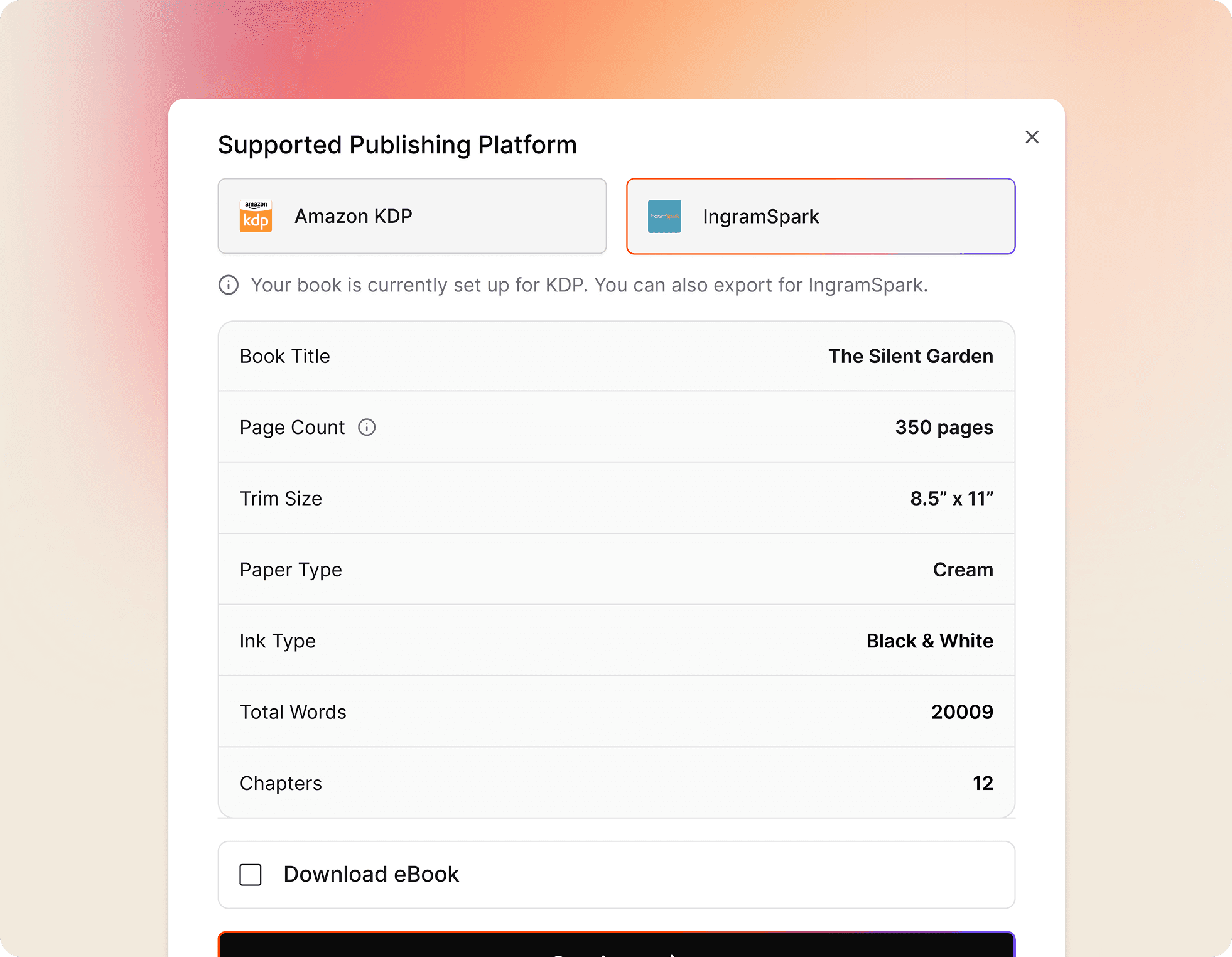
Instead of worrying about trim sizes, bleed, embedded fonts, and print-ready PDFs, paperbck formatting, PublishPro prepares your manuscript to meet IngramSpark's professional standards. It catches common formatting issues before they become costly rejections, so you can focus on publishing, not troubleshooting.
One final tip before you begin: make sure your manuscript is completely finished. Editing after formatting can change page counts, layouts, and even your cover dimensions, creating extra work that is easy to avoid.
A polished manuscript deserves a smooth path to global distribution. PublishPro helps you get there with confidence.
